How our Template Kits work
Our templates are built the way all donor-facing assets should be: intentional, elevated, and easy to navigate so people understand your impact fast.
Pick your kit → make it yours → download + share
That’s it.
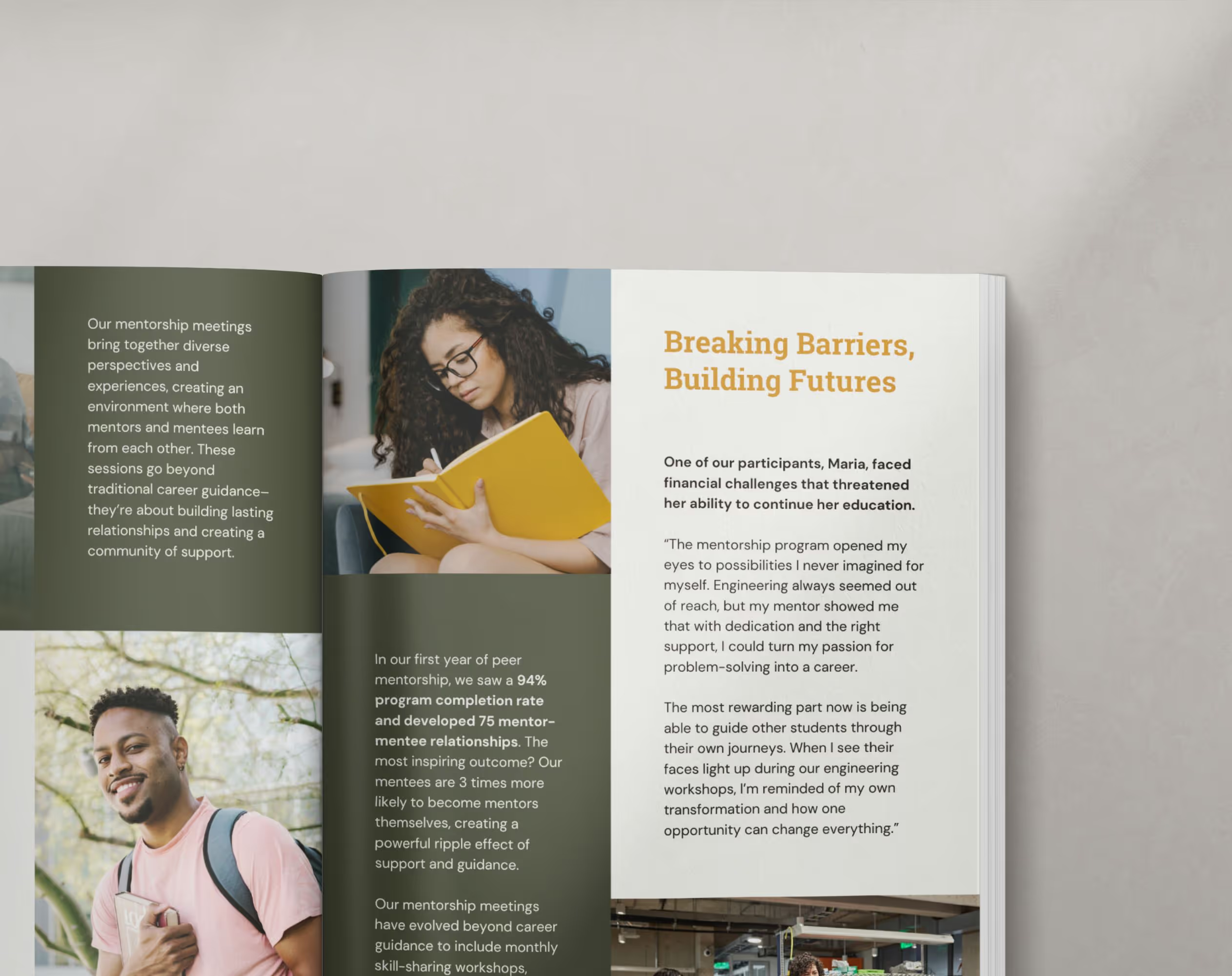

Our templates are built the way all donor-facing assets should be: intentional, elevated, and easy to navigate so people understand your impact fast.
Pick your kit → make it yours → download + share
That’s it.
You’ll need a Canva account and about 30–45 minutes per day over the course of a week to customize (depending on how ready your content is).
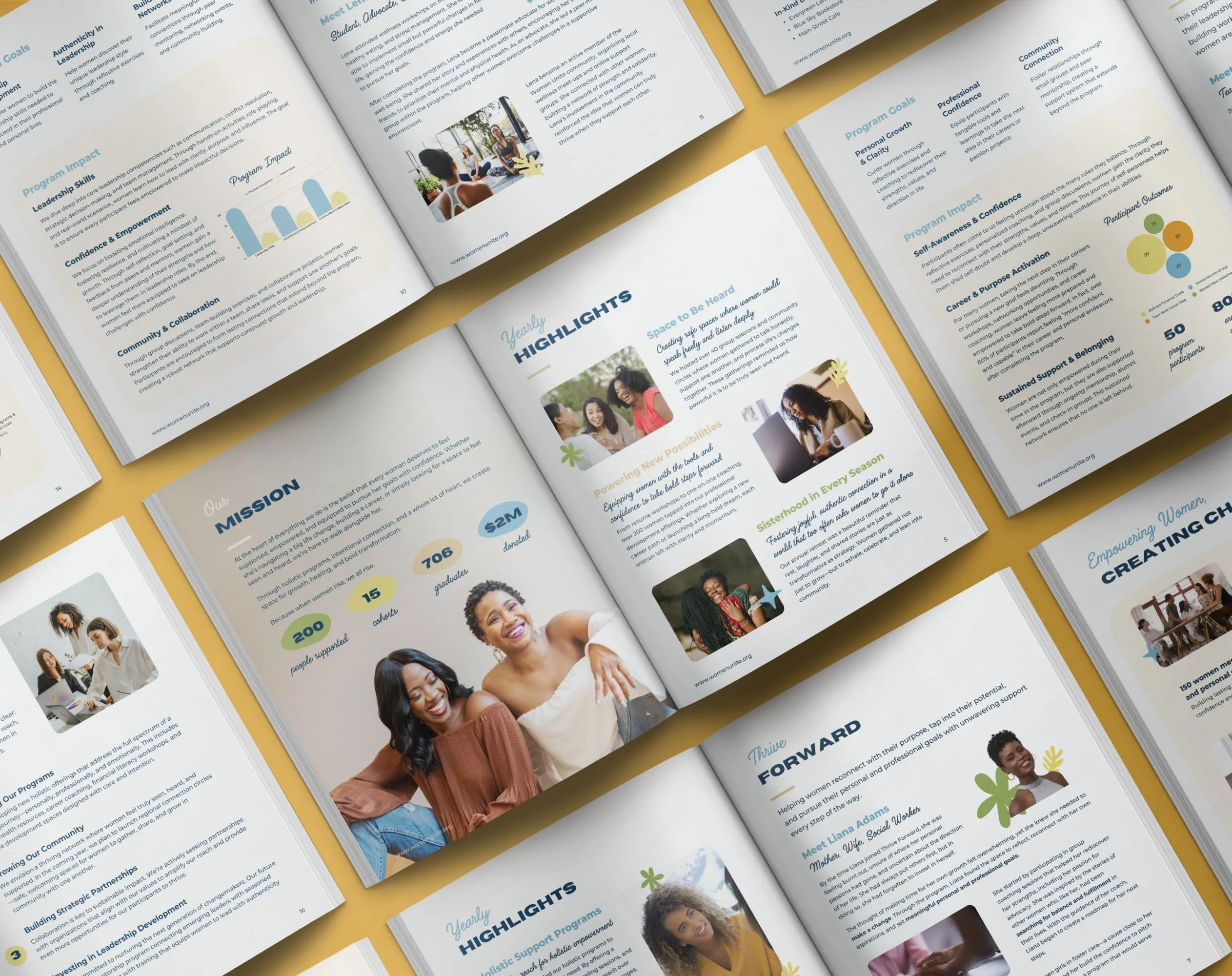
Each of our carefully designed options is created on the same belief-building structure. The difference is the layout style and visual feel.
Browse the templates and ask yourself:
→ Which layout feels most like us?
→ Which one would I actually enjoy filling in?
→ Which design best matches how formal or warm we want to feel?
If you like the structure, you can make the branding your own in Canva.
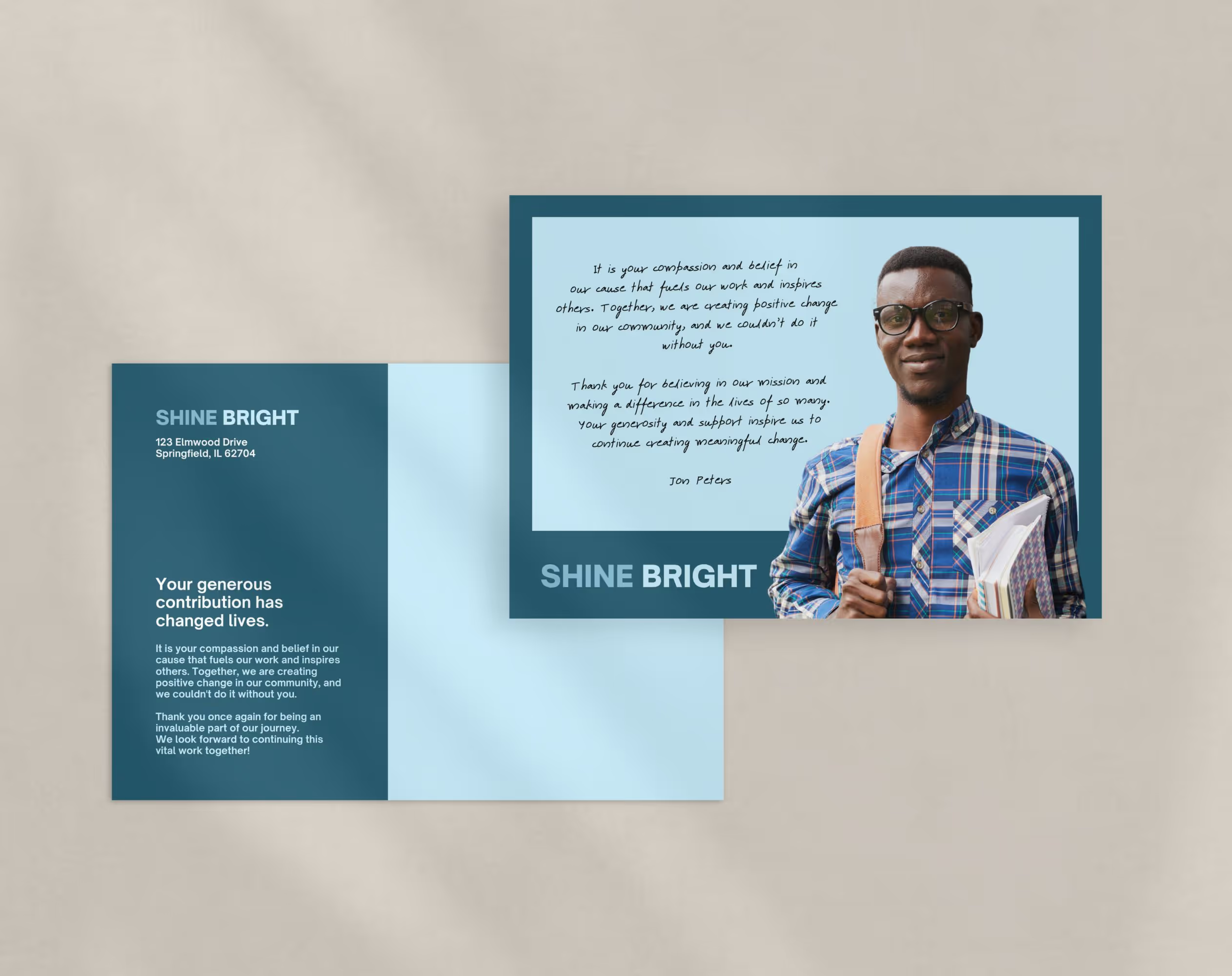
As soon as you check out, you’ll be taken to a download page with everything you need to begin.
You’ll receive:
A PDF to downloard all your Canva template files
Inside your kit, you’ll find a simple instruction page and content guide to help you organize your story in the right format.
If you want a walkthrough, you can follow our step-by-step setup guide to customize and export with confidence.
Click your Canva link, and select View template to automatically save to your Canva account. From there, it’s yours to work on.
Customize by swapping in:
Your logo, colors, and fonts
Photos and program imagery
Your story and impact stats
You can replace everything and use the existing copy as guidance for what to include in your report.
When you’re ready, export your design.
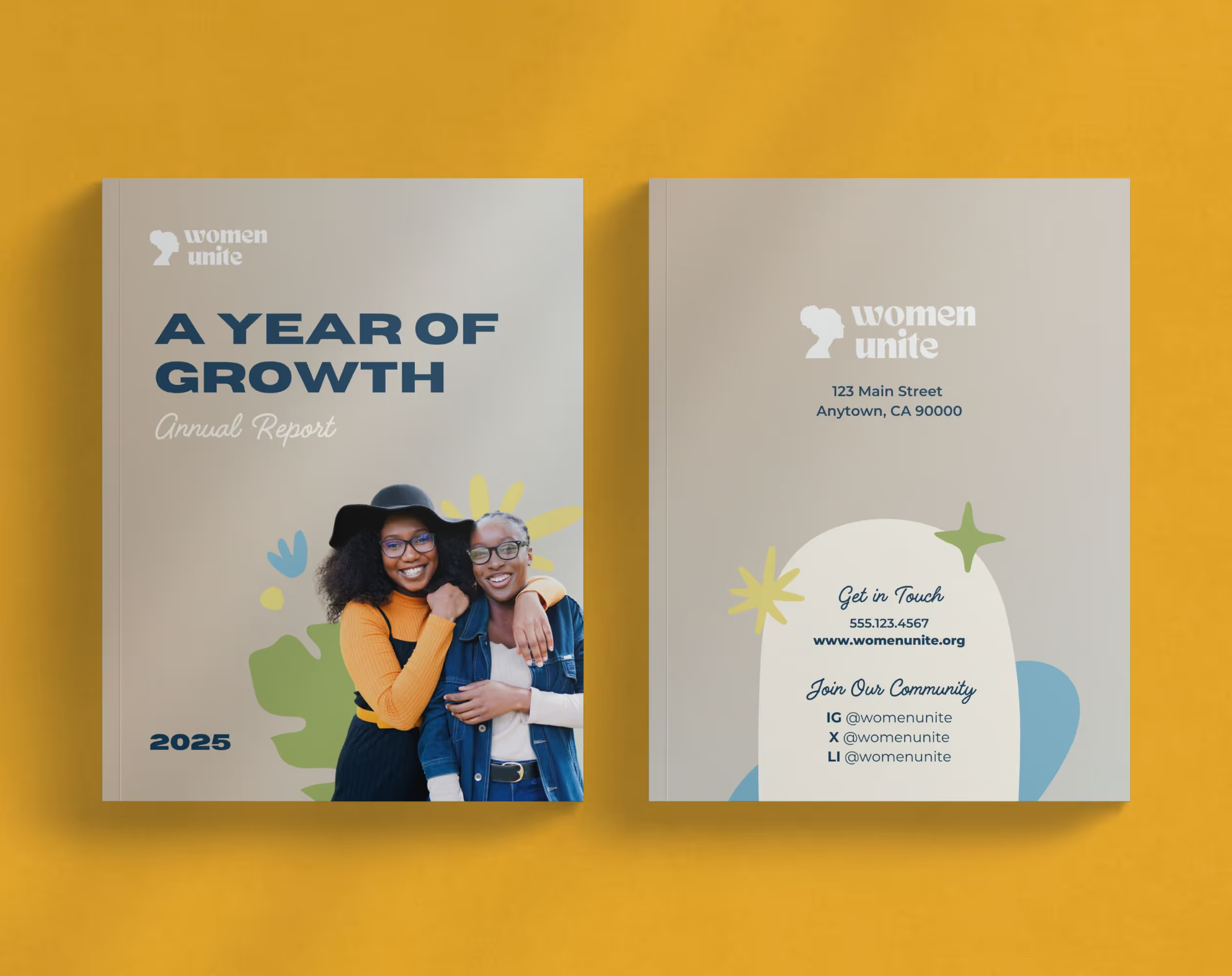
This is what using the template actually looks like.
To get the most out of our templates, we recommend using Canva Pro. It provides essential features like Brand Kit integration for consistent branding and access to premium elements that significantly enhance your customization options.
Non-Canva Pro users can still use the templates, but we can’t guarantee the functionality of the premium fonts and elements included in the kits (Canva Pro is worth it, we promise).
Yes! All design elements are fully customizable. You can easily modify color palettes using Canva’s color picker tool, substitute fonts with others available in Canva (including your organization’s brand fonts with Canva Pro), and replace images by clicking on any placeholder and uploading your own photos.
The templates are designed to work seamlessly with a variety of branding styles while maintaining their professional structure.
Yes. All statistics, charts, and data visualizations are fully editable. Simply click on the text or graphic elements to modify them with your own data.
We offer email support for basic template questions. For Canva-specific functionality questions, Canva’s help center and support team provide excellent resources.
You’ll receive a downloadable PDF via email with Canva links that will auto-copy the designs into your Canva workspace.
These links provide immediate access to all templates in the kit, allowing you to start customizing them right away in your own Canva account.
Still have a question? Reach out to hello@actoncircle.co. We’re happy to help!

Design that builds belief. For nonprofits expanding access and opportunity where it’s needed most.