Here’s the thing nobody tells you when you’re building your first (or your fifteenth) nonprofit annual report: looking professional and driving people to give, share, or believe are two very different things.
Most teams pour serious energy into the report. The stats get pulled, the photos get selected, leadership writes a letter. And then it goes out… and quietly disappears. A few board members say it looks great. It sits in a PDF folder. Nobody repurposes it.
That’s not an annual report problem. That’s a belief problem.
A nonprofit annual report done right is one of the most powerful donor communication tools your organization has. It’s the one place where you can slow down, show the full picture, and give supporters a real reason to keep believing in what you’re building. Done poorly, it’s a lot of effort for very little return.
This guide covers all of it: what a nonprofit annual report is, what to include, how to write it so people read it, and how to use it for more than one moment in the year.
What Is a Nonprofit Annual Report (And Why It Still Matters)
A nonprofit annual report is the story of what changed because people believed in your work.
Yes, there are numbers. Yes, there are charts. There may be a letter from your CEO or board chair. But underneath all of that, a strong report does three things:
- Names the change: What shifted for the people or places you serve.
- Shows the path: How your programs, partnerships, and team made that change possible.
- Builds belief: Why donors can trust you to keep doing it.
Nonprofits aren’t legally required to publish a public annual report, but your supporters expect transparency, and this is how you deliver it in a way they can connect with. It’s not the same as your Form 990 (more on that below). It’s your mission, translated.
In my experience working with nonprofit communications teams, the report is rarely just a reporting tool. It’s a trust signal. And trust signals have to be designed, not just assembled.
Think of your report as a narrative foundation. Everything else in your communications calendar can stack on top of it.
In practice, this is one of the first things I ask when a new client comes in: what do you want this report to make possible for the next twelve months? The answer shapes everything: the content we prioritize, the story we lead with, and the design decisions that follow.
What Should Be in a Nonprofit Annual Report
The temptation is to include everything. Resist that.
A belief-building nonprofit annual report focuses on what readers need to understand so they feel confident investing their trust, their dollars, and their voice in your mission. Here’s what that includes:
1. A clear mission statement (with context)
Your mission statement should be there, but don’t stop at one sentence. Give donors a brief, human explanation of who you serve, what problem you’re addressing, and why this year mattered in that bigger story. Think orientation, not elevator pitch.
2. Highlights of Impact
Instead of listing every activity, pull forward 3–5 major outcomes or wins. Mix quantitative data with qualitative stories. Show any meaningful shifts in reach, depth, or quality. Supporters want proof, but they need it wrapped in context they can feel.
3. An honest financial overview
You don’t need to replicate your full audited statements, but you do need:
- Revenue vs. expenses
- Major funding sources
- How funds were allocated across programs, administration, and fundraising
Keep it visual and understandable. Supporters should be able to glance at your financials and walk away thinking: “Okay. They’re using resources wisely.”
4. Donor and partner recognition
Show gratitude without turning your report into a phone book. Highlight a handful of supporter stories that illustrate different giving levels, share a short narrative about your donor community, or group recognition by program or giving circle. The key is to make supporters feel seen, not just listed.
5. A leadership voice and future direction
A leadership letter or short “Looking Ahead” section should name important context from the year, address tensions or challenges honestly, and share where you’re headed next. This is not the place for vague we’re-excited-for-the-future language. Specific and rooted wins every time.
One of the most consistent patterns we see: organizations spend the most time on financials and the least time on the leadership narrative, which is often what supporters read first.
Is a Nonprofit Annual Report the Same as a 990?
No, your Form 990 is a legal filing, a federal tax document required for most nonprofits to maintain their tax-exempt status. It’s submitted to the IRS, it’s publicly available, and it’s written for regulators, not donors.
Your nonprofit annual report is a communication tool. It’s designed to tell your story to the humans who fund and support your work. It can reference your financials, but its job is belief-building, not compliance.
Real talk: dropping your 990 in a folder and calling it an annual report is technically not wrong, but it’s a missed opportunity of the highest order.
990-EZ vs. 990-N: Which one does your org file?
While this is outside the scope of annual report design, you should know these important details:
- 990-N (e-Postcard): For organizations with gross receipts of $50,000 or less
- 990-EZ: For organizations with gross receipts under $200,000 and total assets under $500,000
- Form 990: Full version, for larger organizations
Whichever you file, your annual report is the document that makes your compliance easy to understand and meaningful to the people who fund you. They’re related, but they’re not the same thing.
Are Nonprofits Required to Publish an Annual Report?
Not federally, no. There is no legal requirement for nonprofits to publish a public-facing annual report.
But here’s what is required: you’re required to file a Form 990, which is publicly available. Anyone can look it up. What a thoughtfully designed annual report does is take that required transparency and translate it into something your donors can connect with.
Some funders and grant-makers do require an annual report as part of their application process. And increasingly, major donors expect one before making significant gifts.
So while it’s not legally required, it’s functionally essential for any organization serious about supporter trust and long-term fundraising.
How to Write a Nonprofit Annual Report People Will Read
If your report reads like a wall of text, numbers, and low-quality images, people will skim, at best. Writing one people read comes down to three things:
1. Make it skimmable first, readable second
Assume most donors will skim before they read. Help them:
- Use short paragraphs (2–4 lines)
- Add subheadings that say something
- Break up dense sections with callouts, pull quotes, or simple stats
- Keep sentence structure clean and conversational
2. Lead with stories, support with data
Start sections with a human moment like a parent seeing their child thrive, a community finally getting access to services, a volunteer realizing the ripple effect of their time. Then bring in the numbers that prove the story isn’t a one-off.
This is easier said than done. What truly makes an impactful annual report comes down to decisions made long before design starts.
A communications leader at a national health advocacy organization put this into practice in a way that stopped me in my tracks. On the day they released four pieces of health-protective legislation in Congress, they used the Acton Circle-designed report as a major hook in those conversations. The design wasn't decoration, it was doing advocacy work.
3. Cut the insider language
If you use acronyms, specialized program names, or internal frameworks, explain them briefly. A simple test: could a smart, mission-aligned stranger read your report and understand what you do within five minutes? If not, simplify.
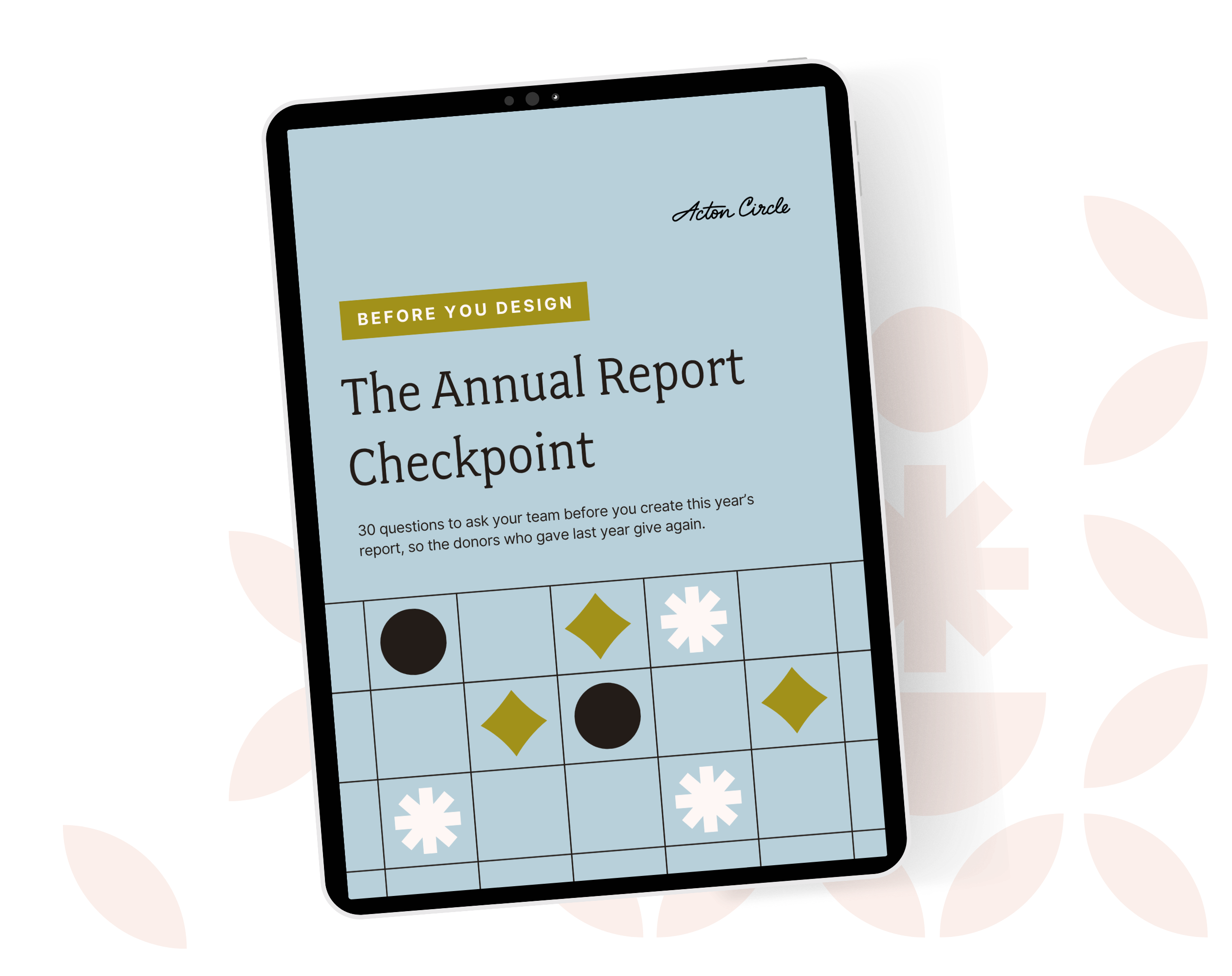
Get The Annual Report Checkpoint
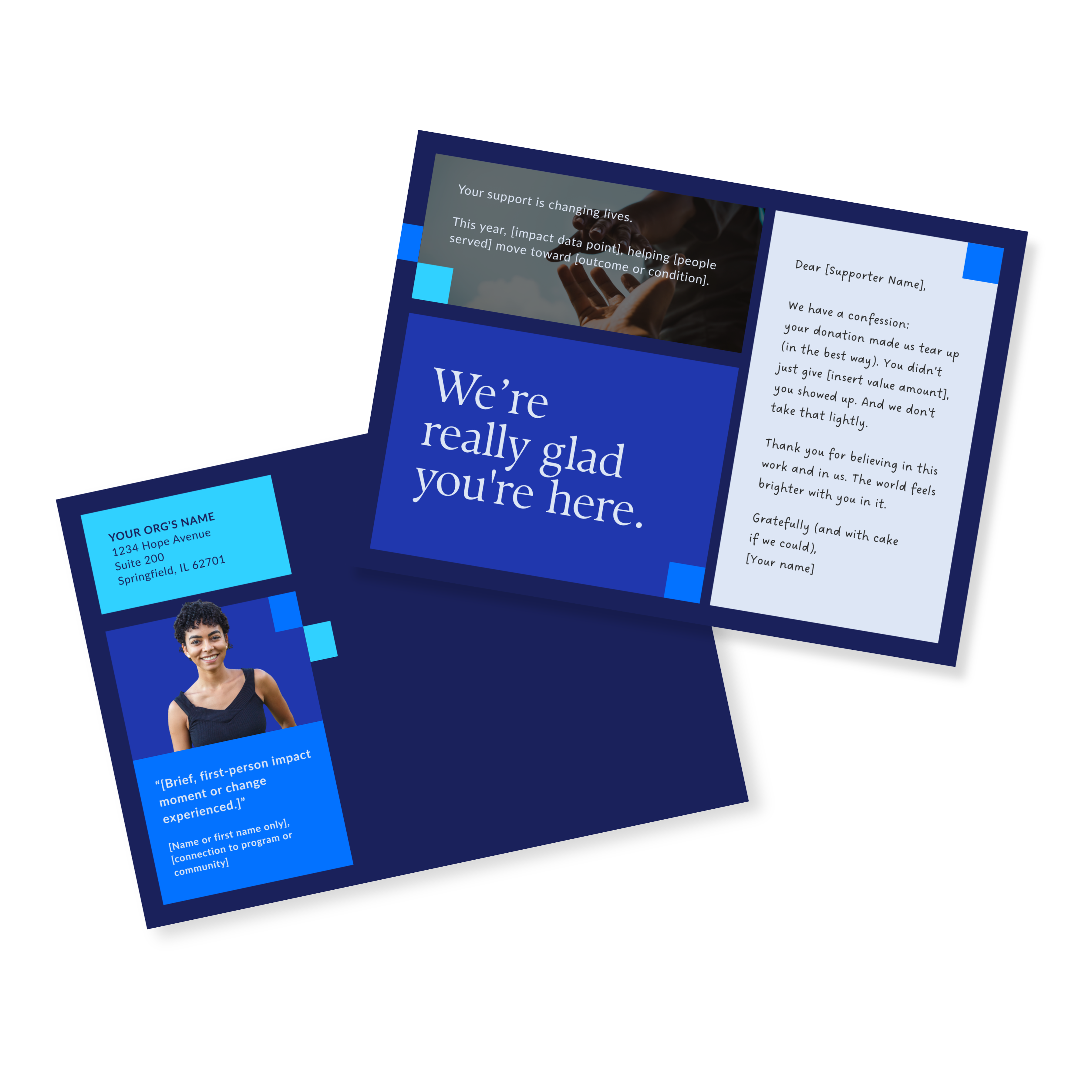
Donor Thank You Postcards Templates
Enter your info and we’ll send the postcards straight to your inbox:
How to Design a Nonprofit Annual Report That Inspires Donor Confidence
Good design doesn't just look nice. It helps people believe you. Before a supporter reads a single word, they've already formed an impression based on how the page looks and how information is organized.
When organizations come to me for annual report design, one of the first things we address is the flow of information, not colors, not fonts. What needs to stand out on each spread? Where should the eye land first? That sequence is what builds trust before a word is read.
1. Start with hierarchy, not colors
Before you think about palettes, nail the visual flow. What needs to stand out on each spread? Where should the eye go first, second, third? What do you want someone to remember after 30 seconds of scanning?
2. Use visuals to guide the message, not compete with it
Infographics, charts, and icons should help readers understand your impact faster. Infographic-driven annual report layouts done well can turn too much data into something genuinely engaging.
3. Choose photography with care
Real people. Real spaces. Real emotion. Avoid staged stock photos where possible. Show your work in context. Respect privacy and dignity in how you portray communities.
4. Keep typography easy to read
Choose type that works on both screen and print, has enough contrast against backgrounds, and uses hierarchy to guide the reader. The whole piece should feel like a warm, visual handshake that's steady, sincere, full of purpose.
Best Nonprofit Annual Report Formats
You're not stuck with a single 24-page PDF anymore. The format you choose should reflect how your supporters engage, what your team can realistically maintain, and how you plan to reuse the content.
PDF (most common)
Easy to email and host on your site, simple to print in small batches, great for visual hierarchy. Still the workhorse format for most organizations.
Print (for key stakeholders)
Print isn't dead, it's selective. A beautifully printed report is powerful for major donors, board members, and high-level partners. Pair it with digital for flexibility.
Web-based or interactive
Building your report as a web page or microsite can make content easier to explore, allow you to embed video and interactive charts, and give you better analytics on what people read. Interactive digital annual report experiences feel more like storytelling than static documentation.
Software and tools
The tools you use behind the scenes matter. The right annual report software setup can simplify collaboration, content updates, and export options, especially for small teams.
How to Use Your Nonprofit Annual Report for Year-Round Donor Engagement
Here's where most organizations leave the most value on the table. Your nonprofit annual report is not a one-and-done artifact. It's a content system.
The stories you gathered, the stats you pulled, the quotes you collected, that's a year's worth of email content, social carousels, donor presentations, and grant narratives. We call this the Repurpose Revolution: one strong report, extended into every piece of communication your team needs throughout the year.
Turn sections into email and social content
Each major section can become a short email story, a carousel of key stats, a donor spotlight, or a mini program deep-dive. When your layout is built with repurposing in mind from the start, this takes hours instead of days.
Use visuals in presentations and campaigns
Pull impact infographics into funder decks. Drop donor quotes into year-end appeals. Use before/after program snapshots in events or webinars. Your annual report visuals should be working for you all year.
Create supporter-specific follow-ups
For major donors or key partners: send a short personalized note referencing a specific section of the report, highlight a program they helped make possible, and invite them into a conversation about what's next. This is where a thoughtfully designed annual report quietly works on your behalf long after it launches.
How Long Should a Nonprofit Annual Report Be?
Shorter than you think.
- 8–16 pages for smaller organizations
- 16–24 pages for larger organizations with more complex programs
If your report is creeping past 24 pages, ask: are we repeating information? Could this content live somewhere else, like your website? Does every section need to be here?
Teams that start earlier in the year (instead of cramming everything into Q4) consistently create leaner, clearer reports.
Common Mistakes Nonprofits Make in Their Annual Reports
Mistake 1: Treating it like a compliance document
If it reads like it was written by your accountant, supporters will bounce. Compliance happens in your 990. Storytelling happens here.
Mistake 2: Wall-to-wall text
If every page looks like a brick of paragraphs, readers won't know where to focus. Negative space is not wasted space. It's where information has room to be processed.
Mistake 3: Data without translation
Dropping a graph on the page and walking away isn't enough. Add a one-sentence insight: what should the reader notice? Why is it significant? Guiding readers through your data is part of the design.
Mistake 4: Generic templates that don't fit your story
Free or generic templates often lock you into layouts that don't fit your content, limit your ability to stay on brand, and cost more in time and revisions than they saved. The template isn't the problem, but a template not built for annual reports is.
Mistake 5: Starting too late
In our experience, the most draining annual report projects have one thing in common: nobody agreed on the outline before design started. The smoothest ones had it locked and approved before a single layout was touched.
Actionable Tips to Get Started on Your Nonprofit Annual Report
Tip 1: Give yourself a real runway
Work backward from your ideal release date. Map content deadlines, design milestones, and review checkpoints. Plan for at least 4–6 weeks of lead time. It always feels too early until it's too late.
Tip 2: Start with a messy outline
Open a doc and drop in placeholders: leadership letter, mission and context, 3–5 major outcomes, financial summary, donor recognition, looking ahead. Then start filling in bullet points. Wordsmithing comes later. Need a tool to help you organize these pieces of info? Get our Annual Report Planner.
Tip 3: Use Templates That Are Built for This
The right template gives you a framework without boxing you in. When templates are designed specifically for annual reports (not repurposed from general business layouts) they become a genuine support system. Our Annual Report Template Kits are built with nonprofit content and supporter audiences in mind.
The Executive Artistic Director at Girls Write Nashville was creating their first-ever annual report with no design budget and a small team. After using the Acton Circle template kit, here's what she said:
"I truly can't overstate how much time, money, stress, and second-guessing this tool saved us — and will save us each year going forward. With this in hand, creating a beautiful, impactful annual report didn't just feel possible — it felt easy."
FAQs About Nonprofit Annual Reports
What should be in a nonprofit annual report?
At minimum: a mission statement, 3–5 impact highlights, an honest financial overview, supporter recognition, and a leadership message with future direction. The goal isn't to include everything, it's to include what gives supporters a clear reason to keep believing and join in.
Is an annual report the same as a 990?
No. A Form 990 is a legal tax filing submitted to the IRS. A nonprofit annual report is a donor-facing communication tool. They serve completely different purposes. Your 990 is about compliance. Your annual report is about belief.
Should I file a 990-EZ or 990-N?
That depends on your organization's gross receipts and total assets. It's a question for your accountant or financial officer. What we can tell you is that neither filing replaces the need for a thoughtful, well-designed public annual report.
Are nonprofits required to publish an annual report?
Not federally. But your 990 is publicly available, and donors, grant-makers, and board members increasingly expect a public-facing annual report as a baseline of transparency. Many funders require one for grant applications. It's not legally required, but it's functionally essential.
How early should we start planning?
Earlier than feels comfortable. If your fiscal year ends in June that may look like: content planning in late spring or early summer, data collection in late summer, design and layout in the fall. Starting early is the single biggest factor in whether your team finishes the process feeling good about the result.
How polished does it need to be?
Polished enough to reflect the care you bring to your work. Design that improves stakeholder understanding and feels aligned with your mission is the goal.
That's what a belief-building annual report can be. And if you're not sure whether yours is getting there yet, the free Annual Report Checkpoint is the clearest place to start.
Not sure if your report is effective?
You can have great photos, clean layouts, and solid impact numbers, and still produce something that informs supporters without moving them. The gap between "looks good" and "builds belief" is real. Most teams don't catch it until after the report goes live.
The Annual Report Checkpoint helps you catch it before.
It's a free self-assessment across five key areas, from how your report looks to what it's trying to say. Each section gives you direction on what to explore, fix, or strengthen before you invest time and budget into production.