I once was hired to clean up a report that a team was forcing into PowerPoint (bonkers, I know!). Slides breaking everywhere, images pixelating, text boxes doing whatever they wanted. They spent WEEKS fighting the tool instead of telling their story.
The tool debate is loud, but it's usually the wrong conversation to have first.
Before we get into software: if you're not clear on what your nonprofit annual report needs to do (who it's for, what format fits your audience, what story you're telling this year) that's worth sorting out before you touch any tool.
The tool should serve the strategy, not the other way around.
→ Not sure where your report stands? Get the free Annual Report Checkpoint
Canva: What It Does Well and Where It Breaks Down
When I work with smaller nonprofit teams (especially those without an in-house designer) Canva is usually where I point them.
Here’s what I’ve consistently seen when clients use Canva well:
- They can easily update designs themselves after the project ends.
- Brand settings keep colors, fonts, and logos consistent across every page.
- It's easy to repurpose and resize graphics.
The caveat I always give: Canva is only as good as the template you start with. A generic Canva template wasn’t built for annual reports, it was built for general business use. The donor journey isn’t considered and you end up reworking the whole layout anyways instead of telling the story.
That’s exactly why we built our Annual Report Template Kits in Canva specifically. The layouts are designed around how donors actually read, not how a generic business deck flows. If your team is DIYing in Canva, starting with the right bones will set you up for success.
InDesign: The Industry Standard for a Reason
When clients hire us for a full Annual Report Design Intensive, InDesign is where we live. It’s been the industry standard for print and digital publication design for decades, and after years of designing in it, I’m still not bored by what it can do.
Why we use it:
- Easy to format long-form layouts with consistent typography across 20, 30, 40 pages.
- Export flexibility—print-ready PDFs, interactive PDFs, web-optimized files, all from the same source file.
- Precision. Everything is exactly where it should be, at exactly the size it should be.
The honest truth: if your team doesn’t have a trained designer, InDesign will feel like a brick wall. It has a steep learning curve and a real cost. It’s not the right DIY tool. But for custom work (where the design needs to do serious fundraising work) there’s nothing I’d rather use.
The workflow we often land on: InDesign for the full annual report, then Canva-based assets for the repurposed content (social graphics, email banners, one-pagers) that the team manages themselves throughout the year. Best of both.
Webflow and Squarespace: When the Report Becomes a Website
More orgs are moving beyond the PDF entirely. Instead of a static document, they’re building annual report landing pages or full microsites and honestly, for the right org, this is one of the most compelling formats out there.
The case for going digital-first:
- Donors don’t have to download anything. They’re in the story immediately.
- Video, animation, and interactive elements make impact feel alive in a way static pages can’t.
- A website stays live all year and is quite easy to find.
- You get real analytics: what people actually read, where they drop off, what they share.
Squarespace works well for simpler landing pages that showcase highlights without needing a developer. Webflow gives you full creative control. We used it for Tides Foundation’s immersive microsites, and the result was something a PDF couldn’t have come close to.
The tradeoff: building and maintaining a report website takes more time and skill than exporting a PDF. If your team has the capacity, it’s worth it. If you’re already stretched thin, a beautifully designed PDF will serve you better than a half-built microsite.
Third-Party Annual Report Platforms
There are platforms built specifically for annual reports. Tools that promise easy drag-and-drop layouts, animated pages, and shareable links. They’re appealing at first glance. I want to be honest about the trade-offs.
Another tool to onboard and maintain
For a small comms team already managing five other platforms, adding a specialized annual report tool often creates more overhead than it solves. The learning curve is real, even when the interface looks simple.
Platform lock-in
Your report lives inside their system. If they change their pricing, discontinue a feature, or shut down, you’re starting over. You also can’t easily repurpose assets into other formats, which matters a lot if you’re thinking about content beyond the report itself.
Limited brand flexibility
You can adjust colors and fonts, but you can’t fully reimagine the design. Most platforms have a house aesthetic that's pretty basic. After a while, reports built on the same platform start to look like each other, which is the opposite of what you want when you’re trying to communicate what makes YOUR org distinct.
These platforms are optimized for ease, not for belief-building. If your annual report is primarily a compliance document that needs to look presentable, they’ll do the job.
If your report is a supporter relationship tool and a fundraising asset, they’ll hold you back.
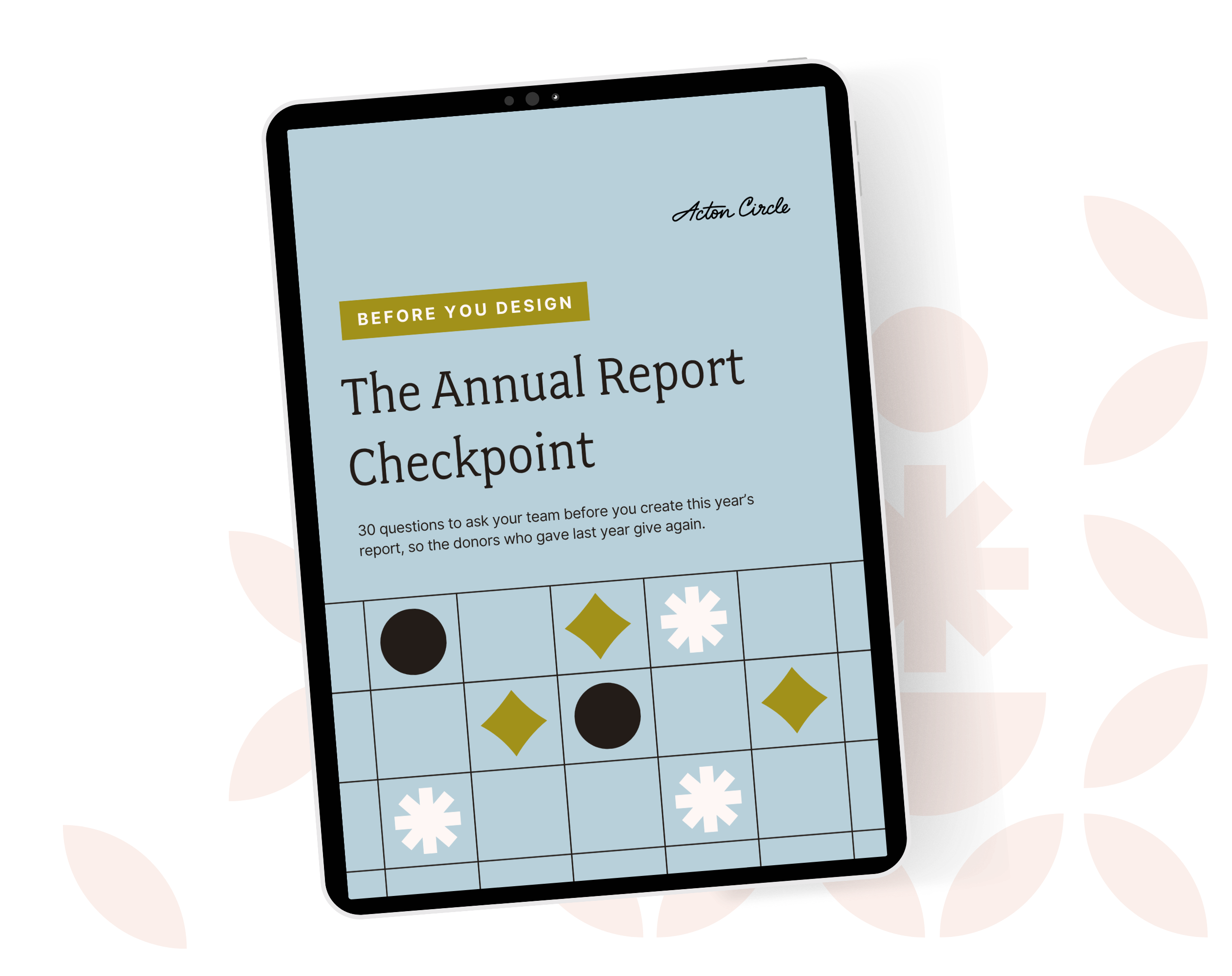
Get The Annual Report Checkpoint
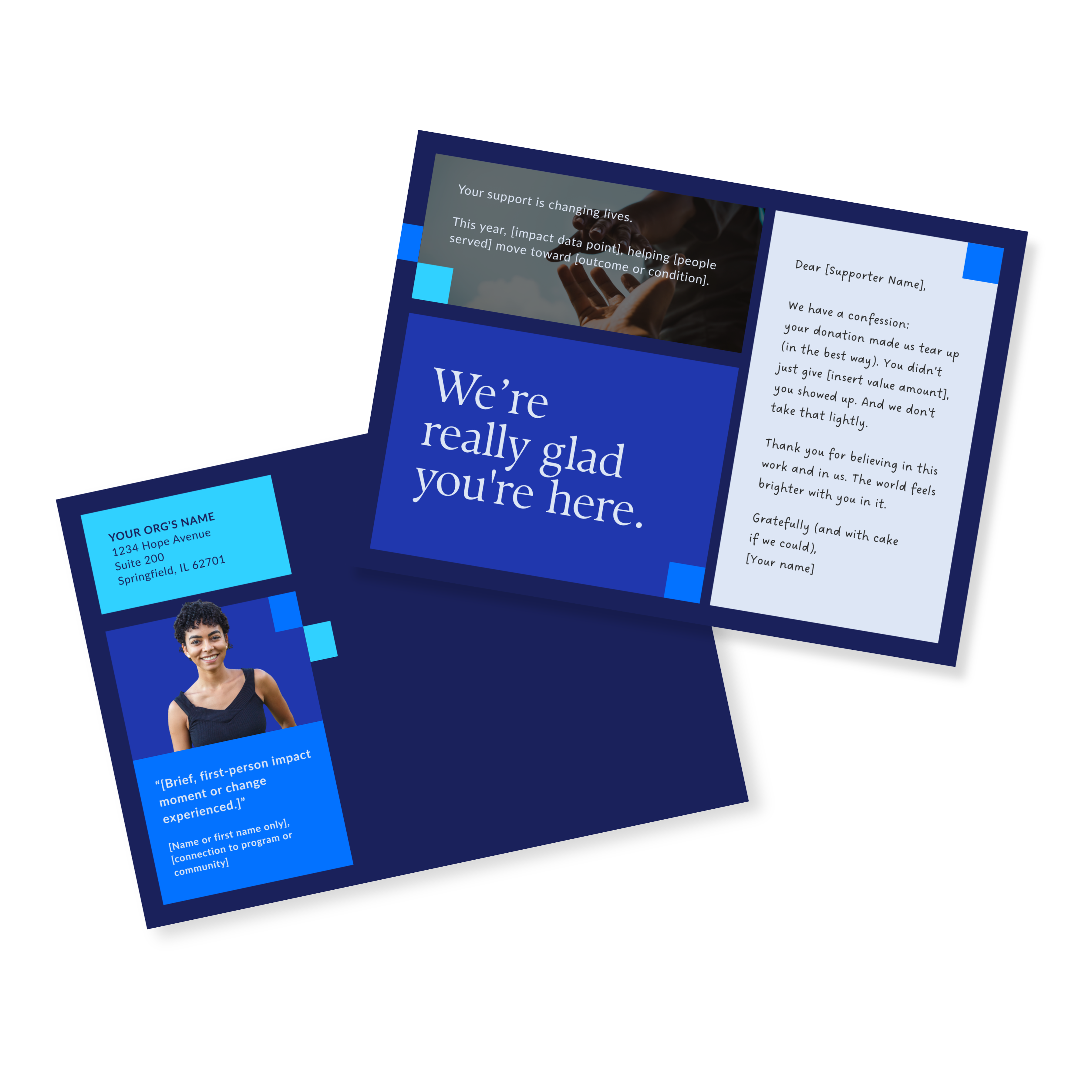
Donor Thank You Postcards Templates
Enter your info and we’ll send the postcards straight to your inbox:
A Note on Affinity
Affinity is a professional design app that combines vector graphics, photo editing, and page layout tools in one place. Think Illustrator, Photoshop, and InDesign rolled into one. It's free, and that's not a catch, every tool is fully available with no restrictions. Affinity is now part of the Canva family, so if you're already on a Canva premium plan, you can unlock AI features inside it too.
For annual report work specifically, the Layout studio is what's most relevant, it handles multi-page documents, master pages, grids, and typography the way a dedicated publishing tool should.
We're currently testing it in the studio and don't have a full opinion yet. We'll update this section once we've put it to work on a real project. But if you've been looking for a professional-grade InDesign alternative that won't cost you a subscription, this one's worth watching.
How to Pick the Right Software for Your Nonprofit Annual Report
Here's the framework I walk clients through when they're figuring out which tool makes sense:
- Be honest about your team's skills. The best tool is the one your team can actually use without a three-week learning curve. Ambition is great, but the stress of learning a new tool (on top of getting the report done) is not.
- Think about distribution. Printing 2,000 copies for a major donor event is a different need than emailing a PDF link to your list. Format follows function.
- Plan for repurposing. If you want to pull social graphics, email banners, and one-pagers from the same source material, make sure your tool supports that. Most dedicated platforms don't.
- Remember what the software can't do. The tool is a container. It doesn't write your stories, clarify your strategy, or make your data meaningful. That work has to happen before you open any software.
FAQs About Annual Report Software
What's the easiest annual report software for nonprofits?
Canva all day, especially if your team is already using it for other materials. The learning curve is low, the collaboration features are solid, and the nonprofit premium plan is free for qualifying orgs. Just make sure you start with a template built for annual reports, not a general business layout.
Is Canva good enough for a professional-looking annual report?
Yes, with the right starting point. Canva's limitations show up when teams start with a generic template and try to force their content into it. When the template is built specifically for annual report structure and donor audiences, Canva produces results that look genuinely polished. That's what our Template Kits are designed to do.
Do I need to hire a designer for my annual report?
If your annual report is a primary supporter touchpoint (something that goes to major donors, funders, or board members) then 100% yes. Design quality affects how your work is perceived, full stop. If you're working with a tighter budget, a professionally designed template kit is a strong middle ground between hiring a designer and starting from nothing.
What about dedicated annual report platforms?
They're worth considering if you need a quick digital output and don't have design support. But go in knowing the trade-offs: platform lock-in, limited brand flexibility, and difficulty repurposing content. For organizations where the report is doing real fundraising work, I'd steer toward Canva, InDesign, or a web-based approach instead.
The Software Is the Last Decision, Not the First
I've seen beautiful reports built in Canva and forgettable ones built in InDesign. The tool is not the differentiator. The strategy, the story, and the design thinking behind it, those are what make a report effective.
Before you open any software, get clear on what your report needs to do, who it's for, and what you want readers to feel when they close it. That clarity is what makes the tool choice obvious.
And if you're not sure whether your current report is set up to do that work (regardless of what software you used to build it) the Checkpoint will show you.